

When your AC keeps running, your house feels warmer than the setting on the wall, or the system will not turn on at all, the thermostat is one of the first places to check. Knowing how to troubleshoot thermostat problems can save time, prevent unnecessary stress, and help you figure out whether you are dealing with a quick fix or a larger HVAC issue.
In Florida, that matters. A thermostat problem can look minor at first, but during a stretch of heavy heat and humidity, even a small control issue can leave your home uncomfortable fast. The good news is that some thermostat issues are simple to identify before you schedule service.
Start with the simplest thermostat checks
A lot of thermostat calls come down to settings, power, or connection issues. Before assuming the thermostat has failed, check the display. If it is blank, the thermostat may have lost power, the batteries may be dead, or the HVAC system may have tripped a breaker.
If your thermostat uses batteries, replace them with fresh ones even if the screen still works. Weak batteries can cause erratic behavior, delayed response, or settings that do not hold. If the thermostat is hardwired and the screen is blank, look at your electrical panel for a tripped breaker marked for the air handler, furnace, or HVAC system.
Then confirm the mode and temperature settings. It sounds obvious, but many service calls start with a thermostat set to heat instead of cool, or a fan set to on when the homeowner expects auto. In cooling mode, make sure the set temperature is lower than the current room temperature. If it is only one degree lower, the system may not respond right away depending on the thermostat’s programmed cycle settings.
How to troubleshoot thermostat problems when the AC will not turn on
If the thermostat appears to be working but the cooling system will not start, move step by step. First, lower the temperature by several degrees and wait a minute. Some thermostats have built-in compressor protection delays, so they may not start the system immediately after a change.
Next, check whether the indoor unit has power. A clogged condensate drain line can trip a safety switch and shut the system down, which makes it seem like the thermostat is the issue when it is really a drainage problem. This is especially common in Florida where AC systems run hard and produce a lot of condensation.
Also look at the air filter. A severely dirty filter can contribute to system shutdowns, freezing, or poor airflow that gets blamed on the thermostat. The thermostat can only send the signal. If the system itself cannot operate properly, the room temperature will not match the setting.
If your thermostat clicks or shows that cooling is on but you hear nothing from the system, that points to a power, wiring, or equipment issue rather than a simple programming problem. At that stage, a professional diagnosis is usually the fastest path forward.
When the thermostat reading seems wrong
Sometimes the system runs, but the thermostat says it is 72 while the room feels like 77. That mismatch can happen for a few reasons. The thermostat may be installed in a poor location, such as near a sunny window, supply vent, kitchen heat, or exterior door. It can also be affected by dust buildup inside the unit.
If your thermostat has a removable faceplate, turn off power to the HVAC system before opening it. Gently remove dust with a soft brush or canned air. Dirt on internal sensors can interfere with accurate temperature readings. Be careful not to bend anything or disturb the wiring.
Placement matters more than many homeowners realize. If the thermostat sits in a hallway that stays cooler than the living room, the AC may shut off before the main area is comfortable. That does not always mean the thermostat is broken. It may mean the location is not ideal for how your household actually uses the space.
How to troubleshoot thermostat problems with short cycling
Short cycling means the system turns on and off too often. In some cases, the thermostat is causing it. In others, the thermostat is only reacting to a separate HVAC problem.
Start by checking whether the thermostat is exposed to direct sunlight or sits too close to a supply register. If cool air blows directly on it, the thermostat may think the house has reached the target temperature long before it really has. That causes the system to shut off early, then restart again soon after.
Programmable and smart thermostats can also contribute if they are set with aggressive temperature recovery schedules or unusual cycle rate settings. If you recently changed the schedule or installed a new device, review the settings carefully. Restoring factory settings can help if the programming has become confusing or inconsistent.
If the thermostat location and settings look fine, short cycling may point to low refrigerant, airflow restrictions, an oversized system, or electrical control problems. Those are not thermostat fixes, and continuing to run the system that way can add wear and drive up utility costs.
Wiring problems can mimic thermostat failure
Loose, damaged, or corroded thermostat wires can create intermittent issues that are hard to pin down. The display may work while the system still fails to respond. Or the fan may run without cooling, the cooling may start without the fan, or the system may behave inconsistently from one day to the next.
If you are comfortable removing the thermostat cover after shutting off power, look for visibly loose wires or signs of corrosion. Do not start moving wires around unless you know the terminal layout and can restore it correctly. Low-voltage thermostat wiring is safer than line-voltage work, but incorrect handling can still damage controls or create more service issues.
This is one of those situations where it depends on your experience level. A homeowner can often spot an obvious loose connection. Diagnosing why a wire is not carrying the right signal is a different job.
Smart thermostat problems are not always HVAC problems
Wi-Fi thermostats add convenience, but they also create a few extra failure points. If the app is not responding, the schedule is missing, or the thermostat keeps disconnecting, the problem may be software or network related rather than mechanical.
Start with a restart of the thermostat if the model allows it. Check your home’s Wi-Fi signal at the thermostat location and confirm the device still has the correct network credentials. Power interruptions can cause some smart thermostats to reconnect poorly or lose programmed settings.
If the thermostat works manually at the wall but not through the app, focus on connectivity. If it does not work at the wall either, move back to the basic checks of power, settings, and HVAC response. Smart features are helpful, but the underlying heating and cooling commands still depend on proper wiring and system operation.
Signs the thermostat itself may need replacement
Thermostats do not last forever. If yours is older, inaccurate, unresponsive, or regularly loses settings, replacement may make more sense than repeated troubleshooting. This is especially true if your HVAC system is otherwise in good condition and multiple symptoms keep pointing back to the control.
Common signs include a blank or fading screen, temperature swings that do not match the setting, delayed system response, and controls that stop working even after battery changes. If you have an older manual thermostat, upgrading to a modern programmable or smart model can also improve comfort and efficiency.
That said, replacing the thermostat is not always the cure. If the real issue is a clogged drain line, a bad contactor, a control board problem, or poor airflow, a new thermostat will not solve it. A proper diagnosis keeps you from paying for the wrong fix.
When to stop troubleshooting and call a professional
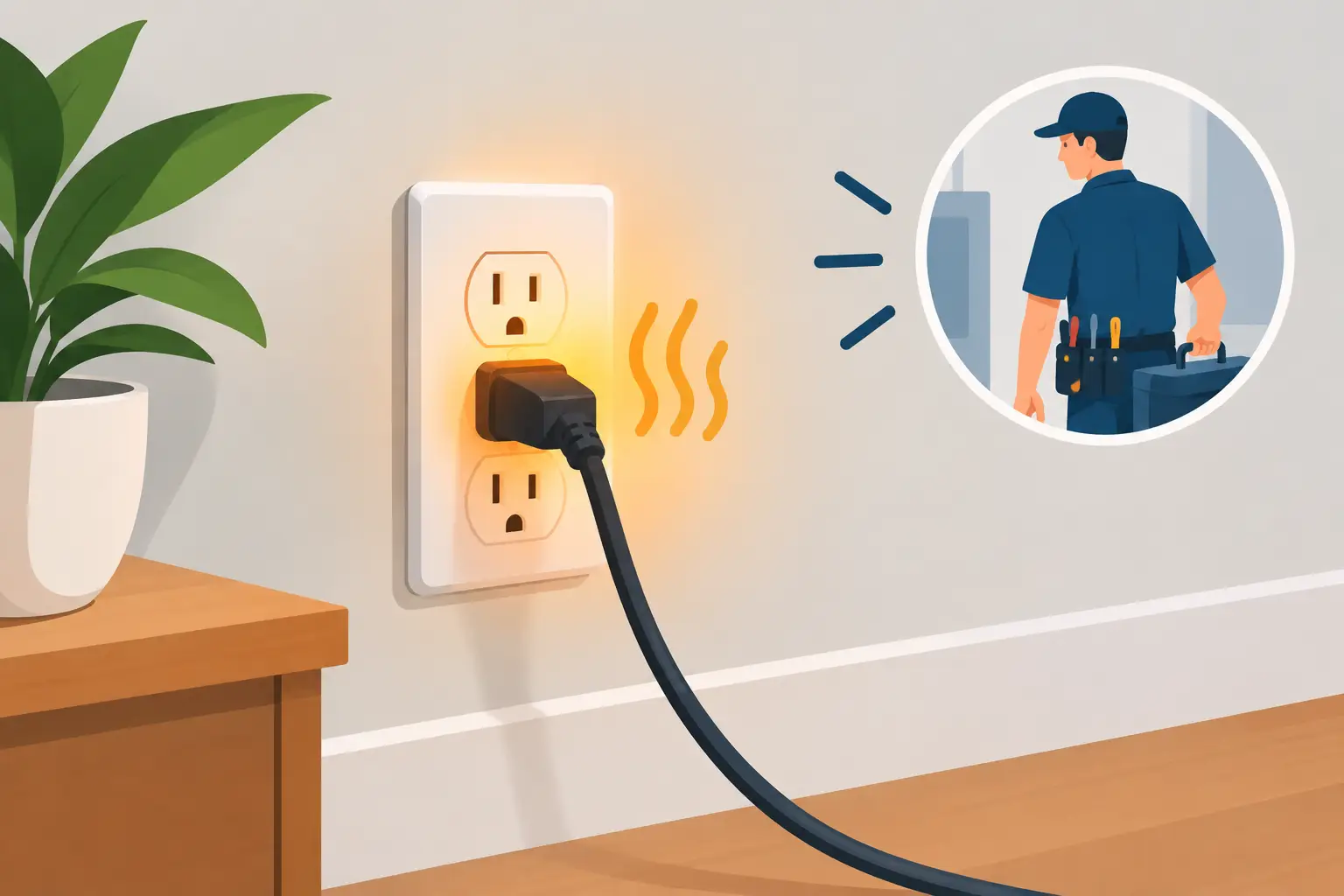
If you have checked the batteries, breaker, settings, filter, and drain line and the system still is not responding properly, it is time for a professional evaluation. The same is true if you notice burned wires, repeated breaker trips, inconsistent cycling, or cooling problems that seem to come and go.
For homeowners in Tampa and across Central Florida, speed matters. A thermostat issue can be minor, but it can also be the first visible sign of a larger AC control or electrical problem. Having a trained technician inspect the thermostat, wiring, and HVAC equipment together is often the most efficient way to get clear answers and reliable cooling again.
At ACS Home Services, we see this often: a homeowner assumes the thermostat is bad, but the root cause turns out to be something deeper in the system. Other times, replacing or reconfiguring the thermostat is exactly what restores comfort. The value is in knowing the difference before the heat indoors gets worse.
If your thermostat is acting up, trust what your home is telling you. Small control problems have a way of becoming big comfort problems when the Florida heat does not let up.